Images make
vocabulary stick.
Learn English words in English, with images.
Build lasting memories with review that adapts to you.
Free to try. No account needed. No in-app ads.
BEYOND THE FIRST ENCOUNTER
Review before
you forget.
A word can feel familiar today and slip away tomorrow. You don’t have to keep track of when to review it.
Pictan uses your answers to estimate how well you remember each word, then calculates when to bring it back.
Review intervals adjust as you learn. Words you forget return sooner, and even well-learned words stay in your review cycle.
Meet it once. Return to remember it.
FROM FAMILIAR TO REMEMBERED
A little help.
More recall.
Start with an image and more letter hints. As a word becomes better established, fewer letters help you practise recalling it yourself.
Try to recall the word before you check the answer. Pictan adjusts the support as your memory develops.
Hints respond to your answers; they don’t decrease on every review. You can also choose to keep answers visible.


STAY IN ENGLISH
Unknown word?
Just tap it.
An unfamiliar word inside a definition can stop you in your tracks. You don’t have to leave for a dictionary or translator.
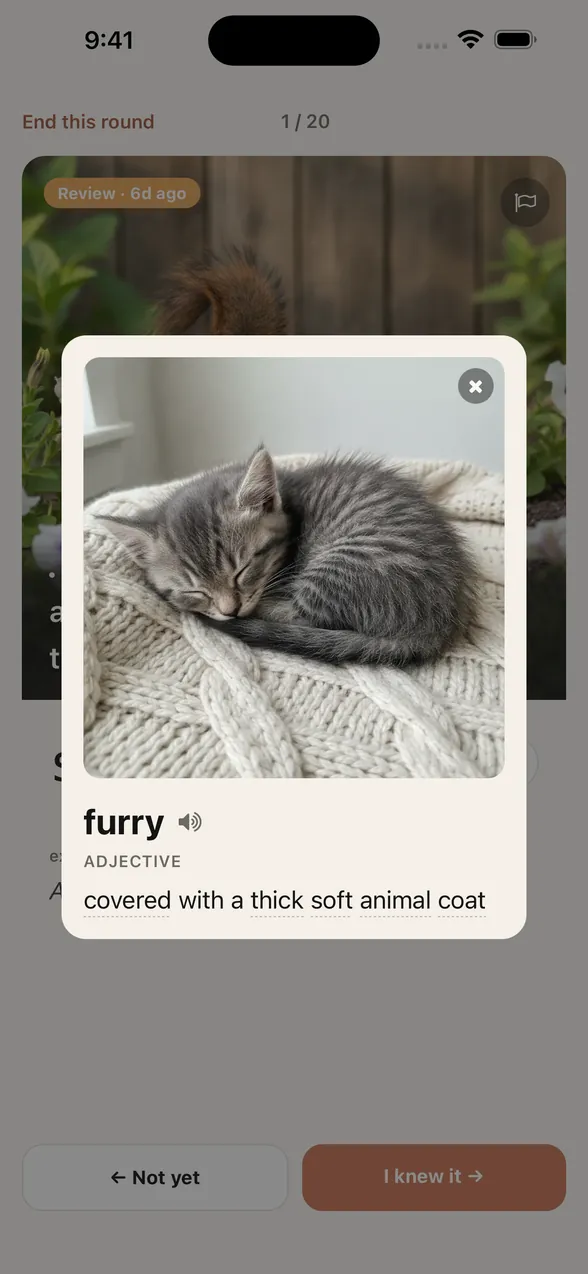
Tap a word with a dotted underline to see its image and English meaning right on your card. Check it, then carry on learning.
Here, tapping “soothing” in the definition of “mellow” opens the entry for “soothe.”


Try recalling a word
with an image and hints.
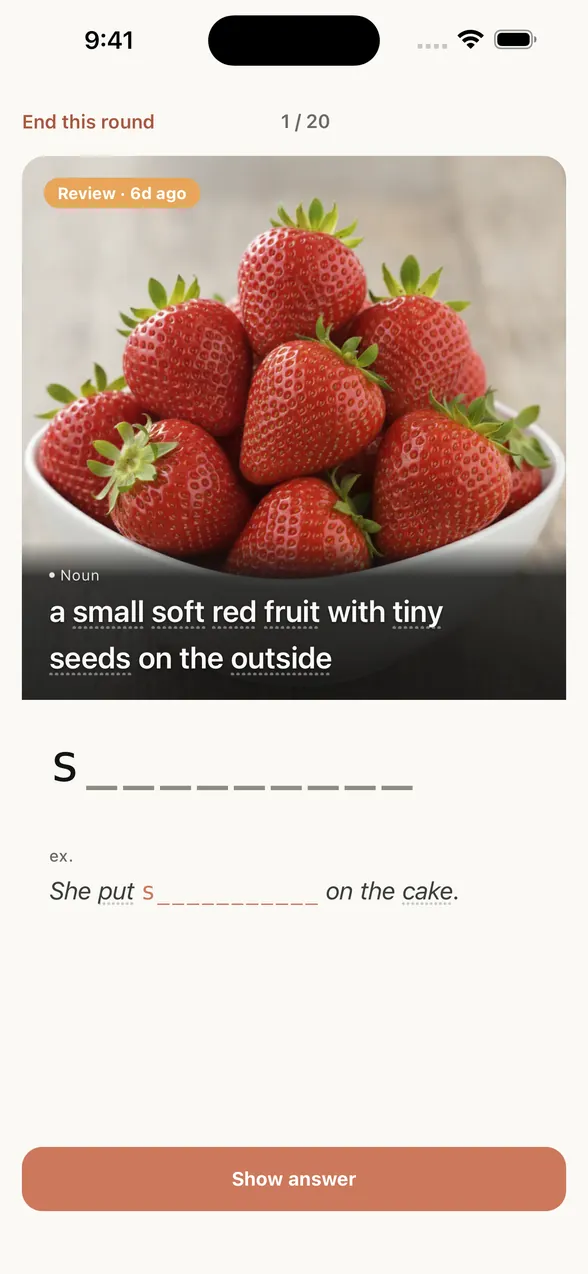
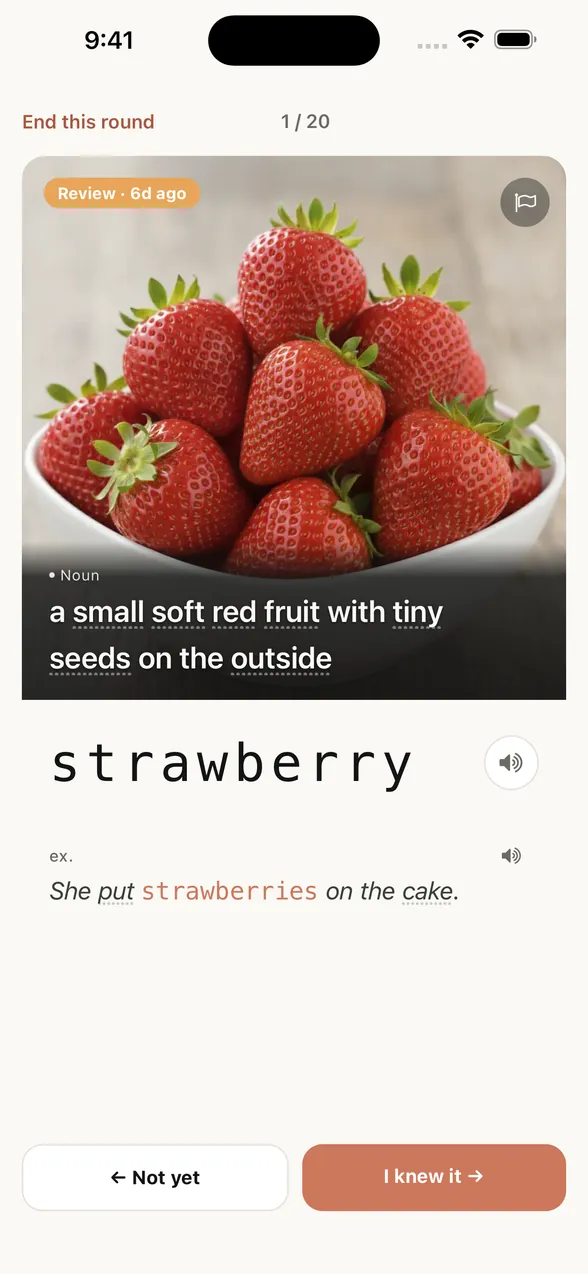
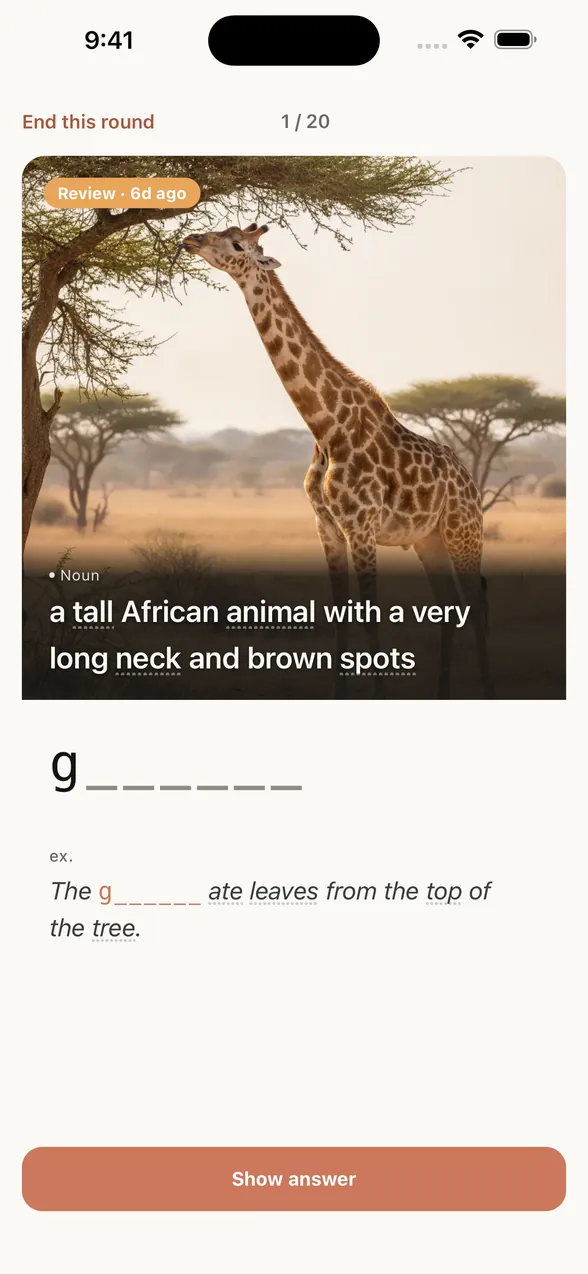
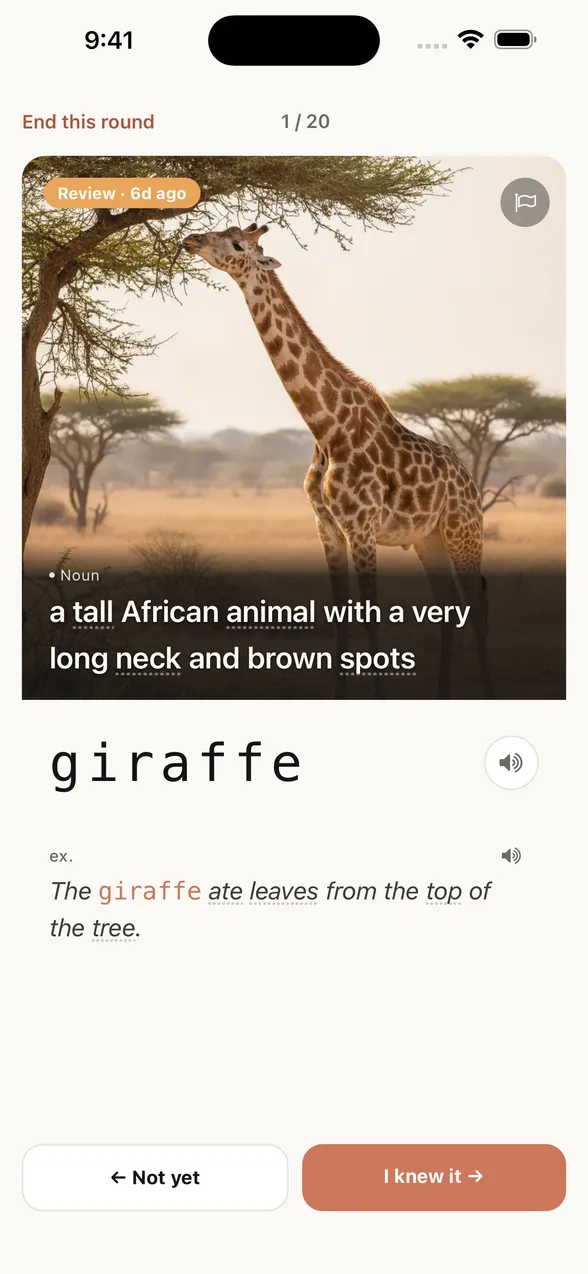
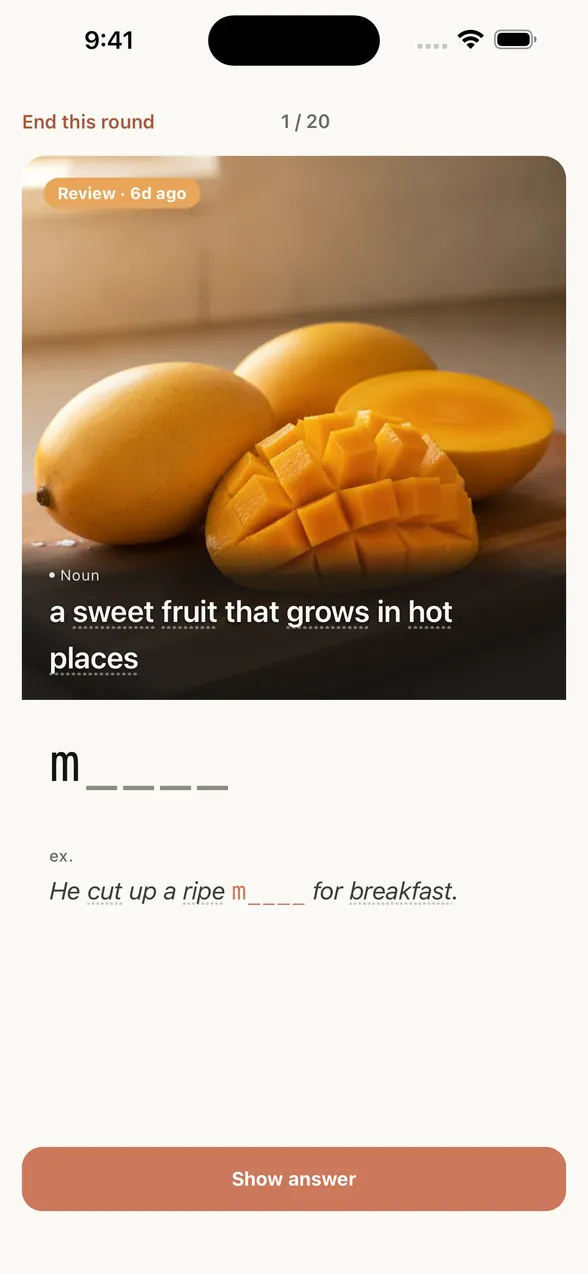
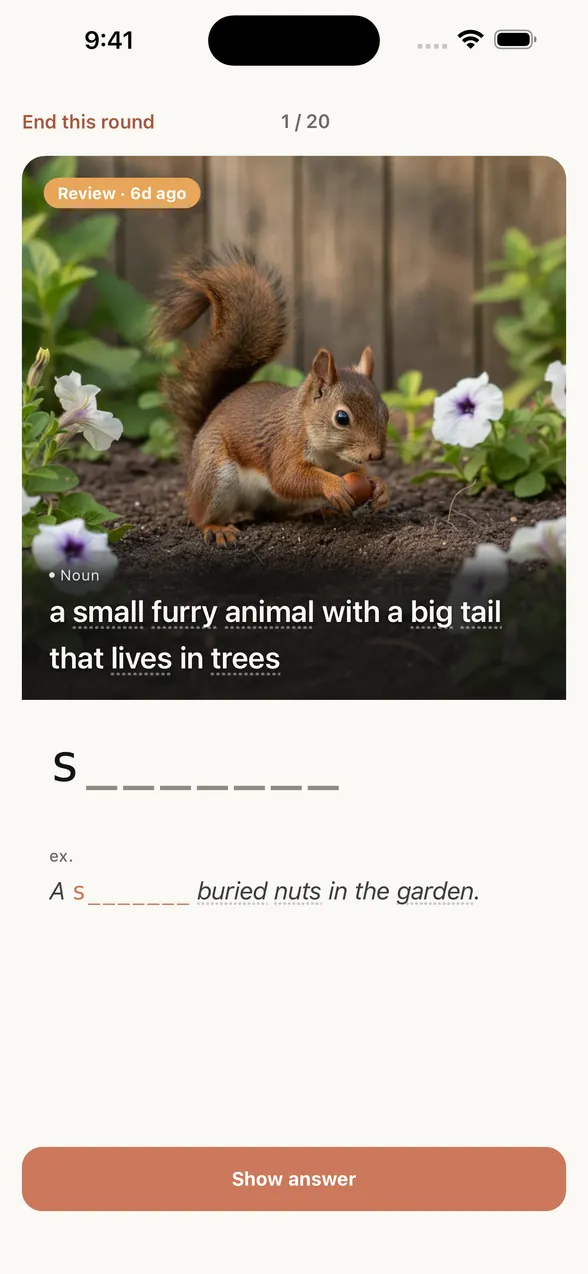
Try three words. Use the picture and letter hints to think of the word.
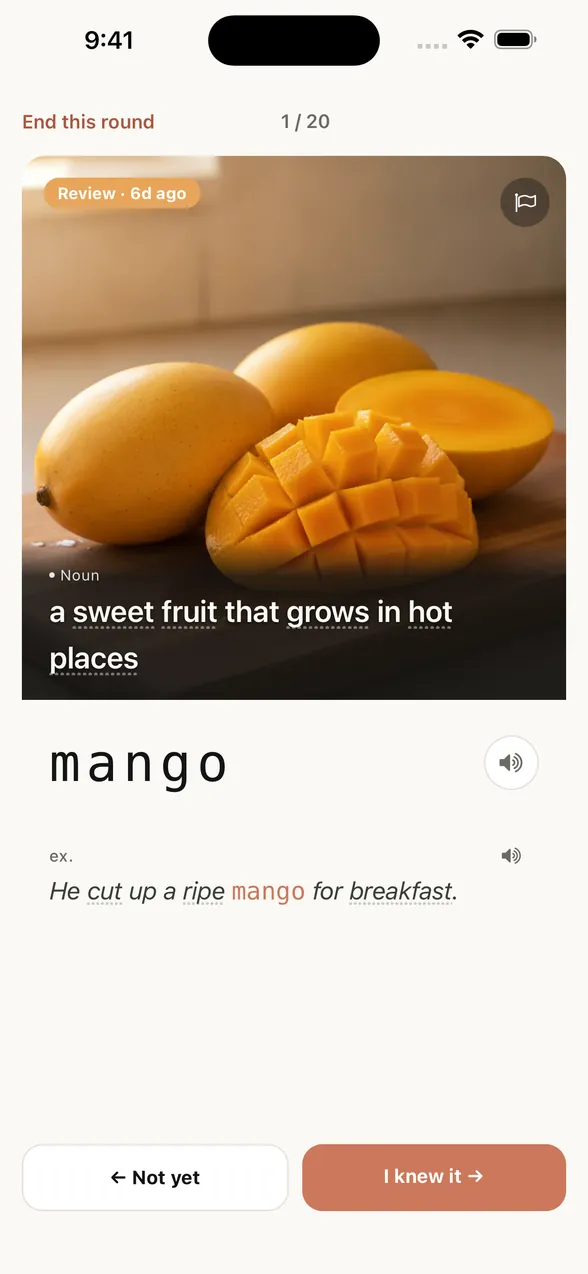
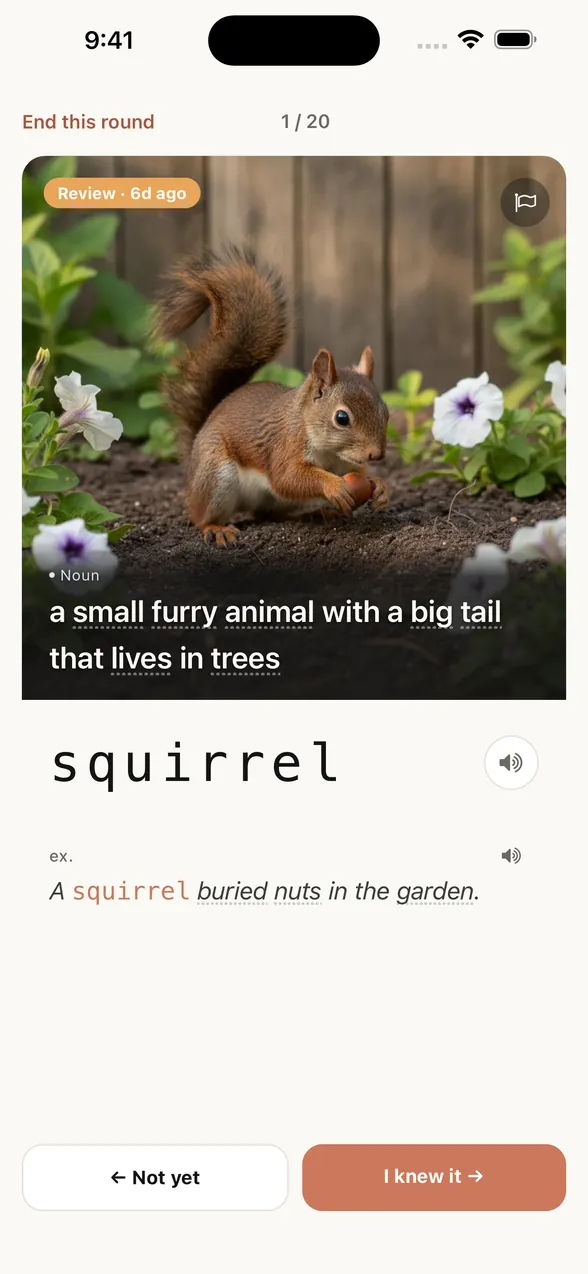
Then tap “Show answer” to check.
- 1
Use the image to recall
Some letters are hidden. Use the picture, English definition, and visible letters to bring the word to mind.
- 2
Check your answer
Choose “I knew it” if you recalled it, or “Not yet” if you didn’t. In the app, your answer helps set the next review.
- 3
Keep going with the next word
Recall, check, and return to a word later. Get a feel for learning that goes beyond looking at the answer.
Need help with a word in the definition?
Tap a dotted word to check its image and English meaning without leaving the card.
This short demo uses three words with mid-review hints. In the app, hints adapt to your memory, with more support for words you are meeting for the first time.
JUST START LEARNING
You focus on learning.
Pictan picks the words.
No need to choose between new words and review. Start learning, and Pictan prioritizes words due for review, adding new ones when there’s room.
Each round has up to 20 questions. Keep going for another round, or stop when you need to. Your completed answers are saved.
SEE YOUR PROGRESS
Your learning,
taking shape.
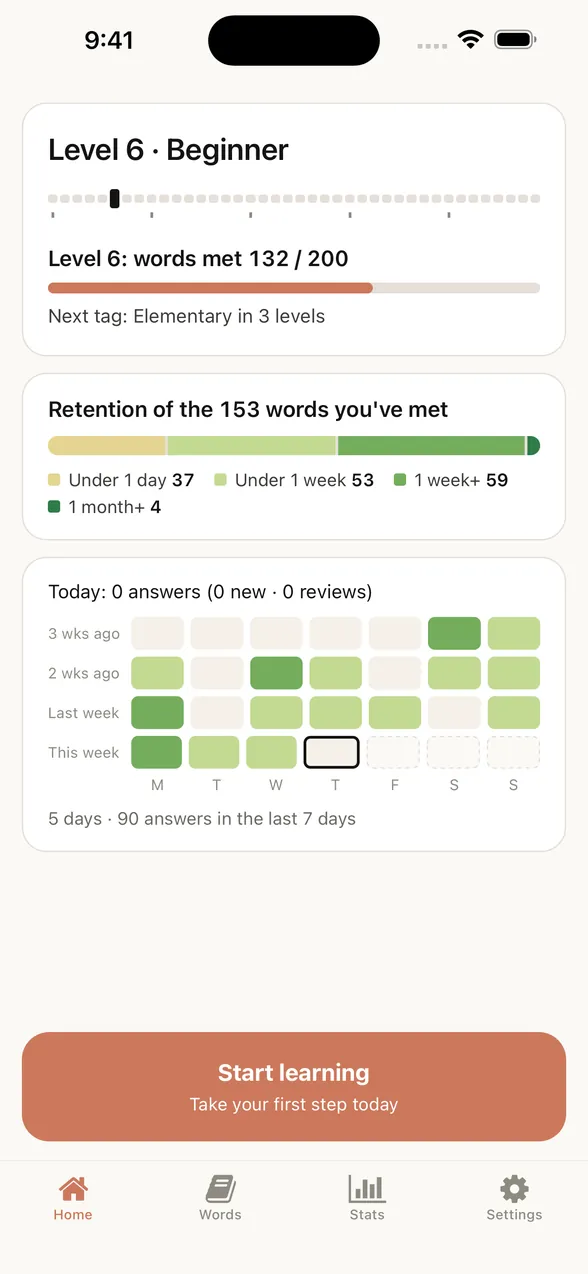
How much have you explored? How well are those words taking root? The tree on your Home screen turns your learning record into something you can see.
- Try new words → grow the trunk and branches
- They reflect the number of different words you’ve answered. Reviewing the same word doesn’t count it twice.
- Get more words right → grow the canopy
- Clusters of leaves grow as more words receive their first “I knew it” answer.
- Build stronger memories → deepen the green
- Leaf colors reflect memory stages based on your answers. Deeper greens show progress toward retention, separately from the size of your tree.
How well it’s sticking, in its greens.
Leaves droop when reviews are overdue. The soil dries as reviews overdue by at least a day build up; catching up restores moisture to the soil and grass. Taking a break doesn’t erase the trunk and branches you’ve grown.
No name or email required.
No ads.
We don't believe a habit is built on features alone, so we kept everything unrelated to learning off the screen as much as we could. Your progress and selected settings are stored on your iPhone and can be backed up privately through iCloud. No sign-in is needed.
Things people ask first.
Make today’s word
one you can recall.
Learn with images. Let Pictan handle when to review. Try the experience for free.
Get it on the App StoreNo account needed. When you want to learn more, monthly Premium unlocks all 8,000 words.